When to use JPG
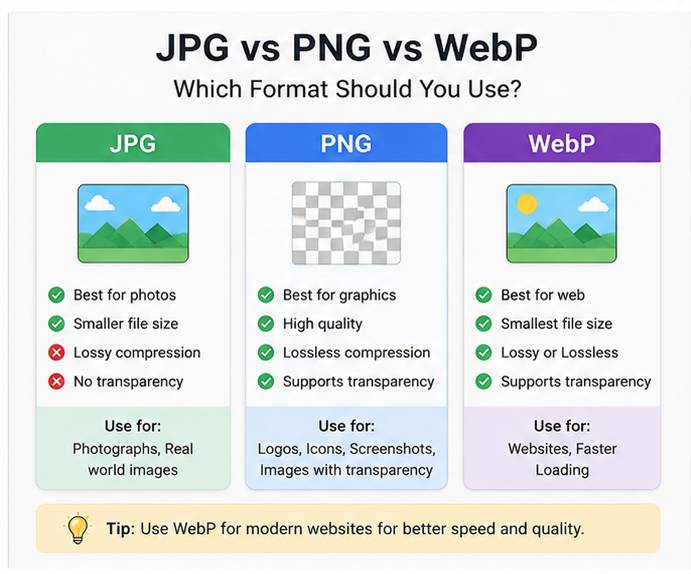
JPG is ideal for photographs and realistic images because it offers compression with a small file size. It is not suitable for transparent backgrounds or images with sharp edges.
When to use PNG
PNG is best for logos, icons, and graphics that require transparency or crisp text. PNG files are larger than JPG, but they preserve hard edges and detail without artifacts.
Why WebP is often the best choice
WebP combines the best of JPG and PNG. It supports both photographic compression and transparency while typically producing smaller files than either JPG or PNG.
- Use JPG for photo-heavy content.
- Use PNG for transparent graphics and illustrations.
- Use WebP for modern web pages when browser support is acceptable.